Creating two Boring Tiny Tools
Recently, I was reminded of Vaughn Tan’s Boring Tiny Tools after I made two apps for myself.
Specifically, I was reminded of these paragraphs:
Here’s one example: I’ve travelled a lot after the lockdowns and need all my travel details (retailers and booking numbers of flights, ground transport, accommodations) aggregated in a form that allows me to interrogate it for duration of travel, cost of travel, who’s paying for the travel, and as is increasingly necessary these days, information about when and for how long I’ve been in/out of a country.
I used to have to go through emails or flip through expired passports. Now I have a script that takes emails, PDFs, and screenshots sent via Telegram, runs them through OCR, extracts the information, confirms it with me via message, then adds it to a queryable spreadsheet. What used to take me hours to do unreliably now takes seconds to do reliably.
The workflow I built is highly specific to how I work. Existing travel tools integrate poorly with my idiosyncratic workflow and require me to change how I work to accommodate them. The reverse is also true: my exact approach would probably feel weird to most other users. I am probably the only user for this very lightweight, rough-around-the-edges piece of software, and it is custom-built to work so that I didn’t have to change any other piece of my workflow when I switched it on.
So let me introduce the two BTTs I made with Claude Code’s help.
Quick Capture
The first app I made was Quick Capture. Back in 2022, I had downloaded Philip C Davis’ Quick Capture app and used it very regularly, because I read physical books. I love the app! It’s a beautifully designed small app that does its core functions very well: you snap, and it captures the snap into text. Usually I end up exporting this to Apple Notes, and sending the text to other folks via Whatsapp.
Unfortunately, for some reason, the app seems to be deprecated, and was forcibly removed from my iPhone…
So I created my own version of Quick Capture.
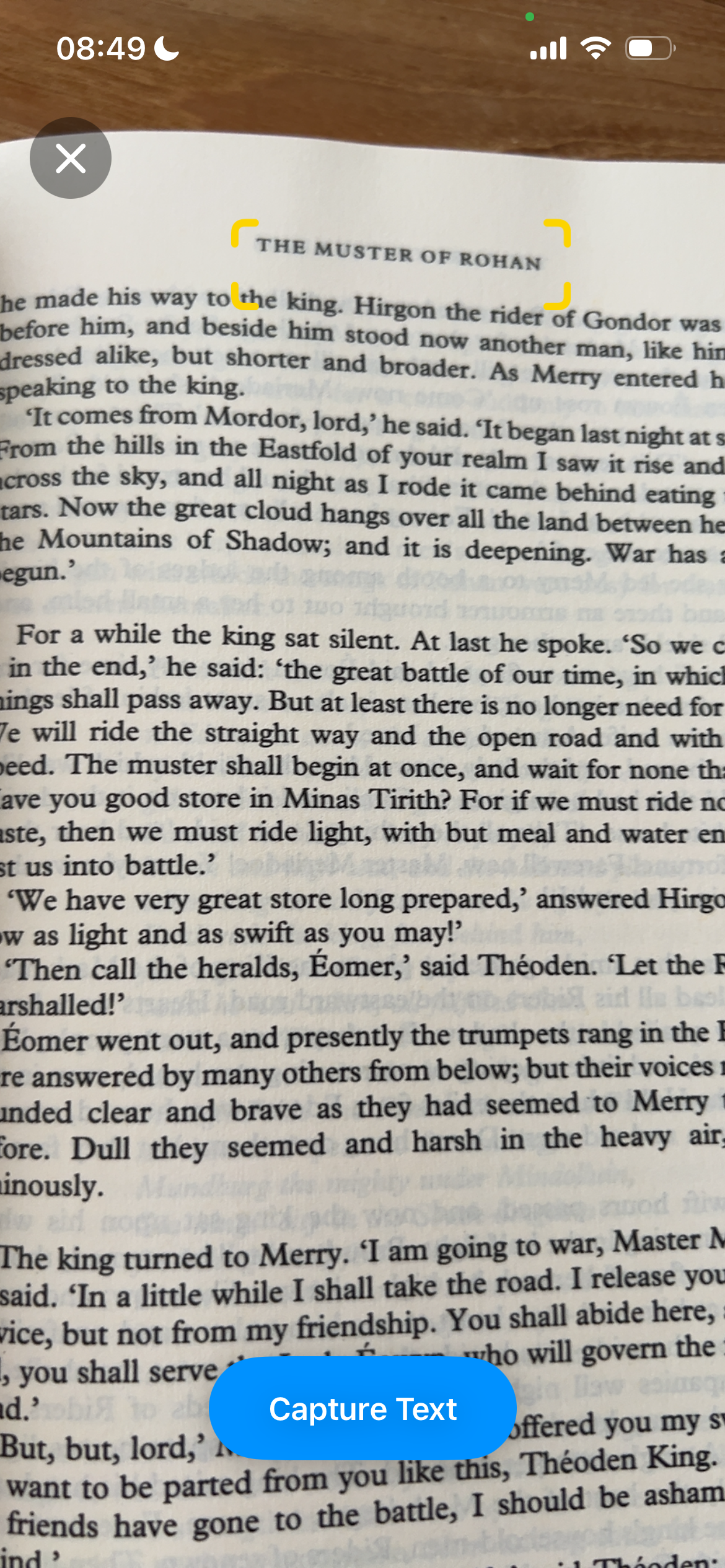
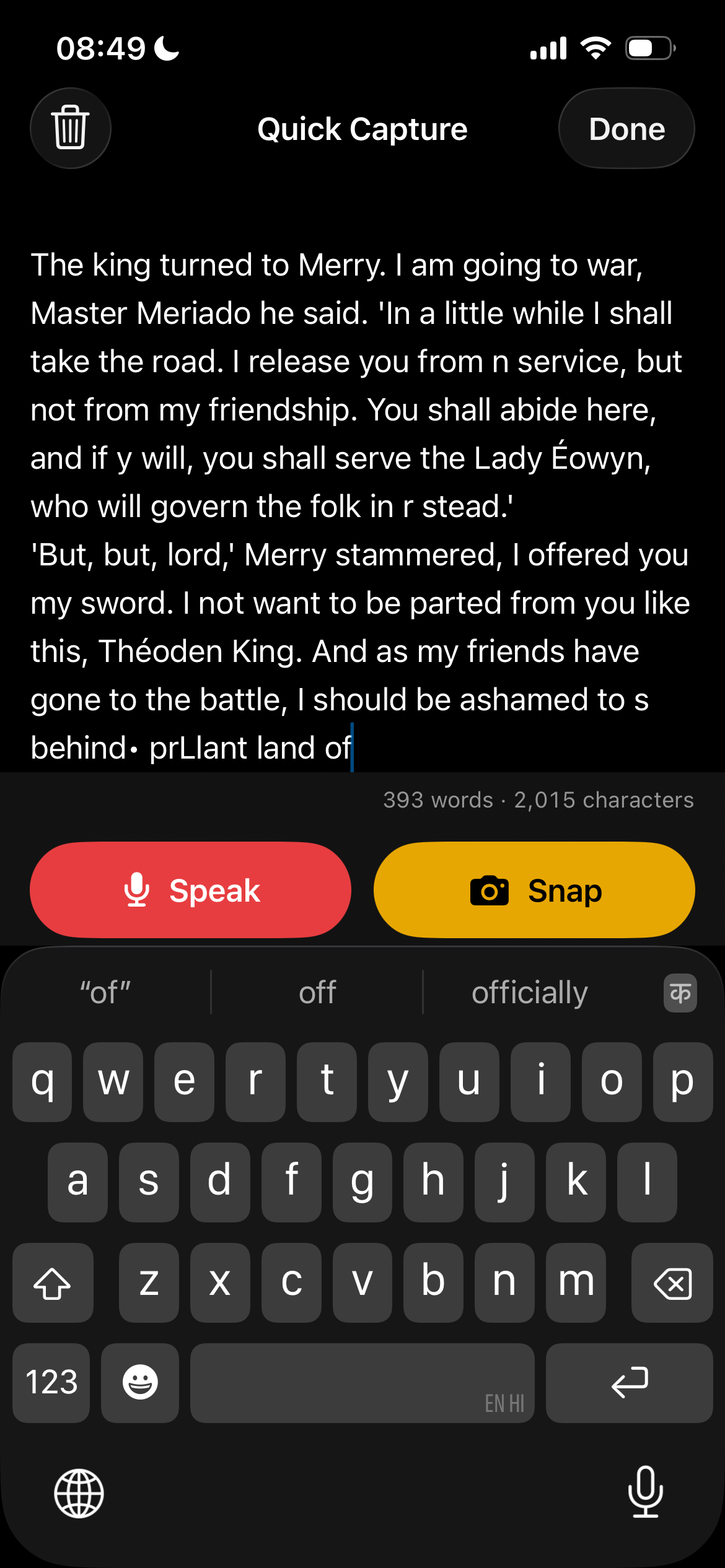
I actually tweaked the interaction model: I completely removed the text capture option, as I found that I never used it in the original app. So I removed the text-capture tab/button completely, and just used two buttons.
The first working version (type, speak and snap) took about 35 minutes on the evening of 4 October, and the whole app took about 4 hours of actual work. Those hours were spread over two weeks, from the first commit on 4 October to the App Store listing on 18 October.
Article Saver
The other Boring Tiny Tool I made was Article Saver.
I regularly visit Twitter/X, and nowadays, some of the best writing comes on X’s long-form articles. I like to share some of the insightful articles with friends and colleagues. So I frequently found myself manually copy-and-pasting the content onto Apple Notes, manually pasting the link, highlighting key excerpts, and then pasting those into a Whatsapp message or email to share with friends and colleagues.
This has sucked up a lot of my time: it easily takes anywhere from 5-10 minutes to do this (especially for manually-copying-and-pasting X articles; the X app is quite glitchy, so I often have to redo the copying…) EACH TIME.
So yesterday (31 Oct) morning, I created the app (Claude Code notes that I created the Trello kanban task card just half an hour before I started work on the actual app).
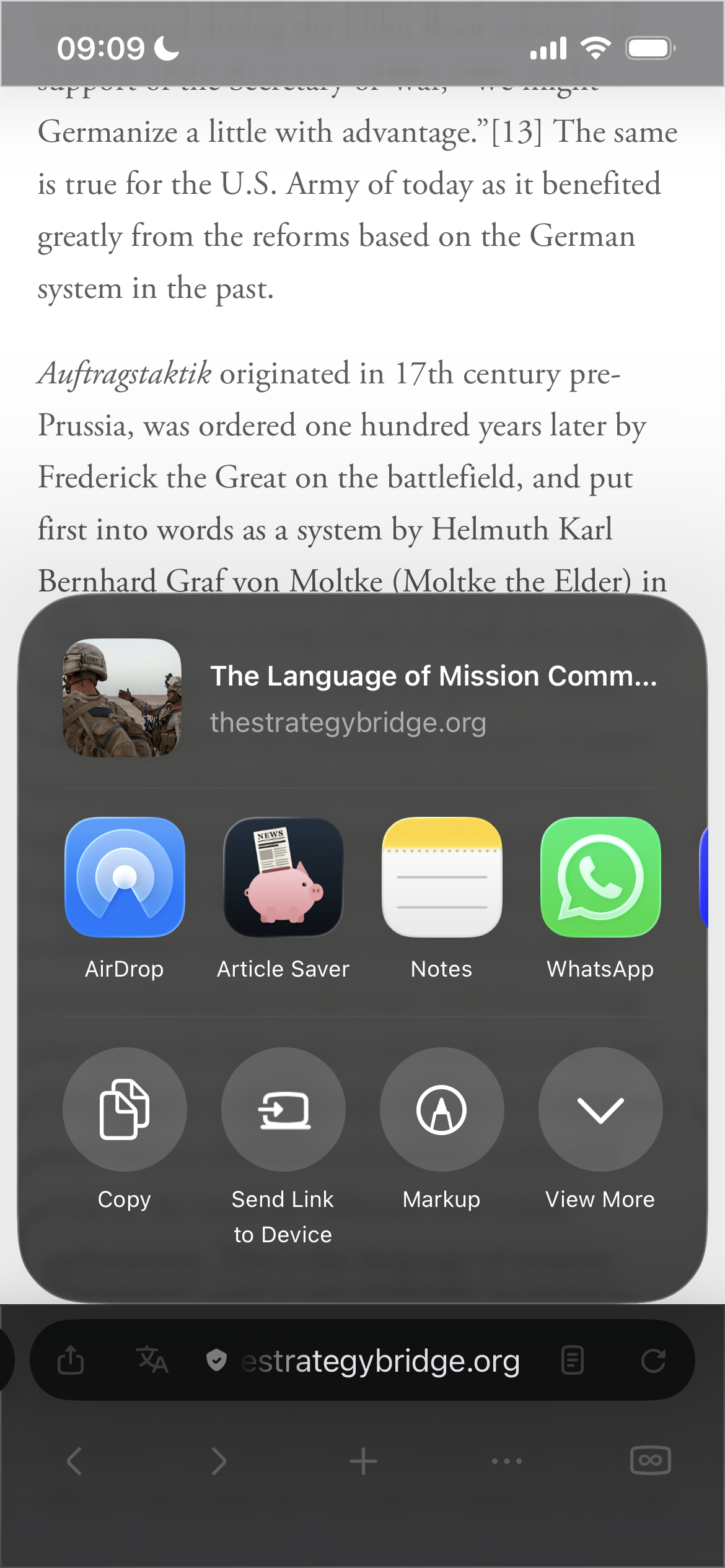
Now, after I read an article on the browser or X, I can then pull out the iOS Share Sheet to share the article:
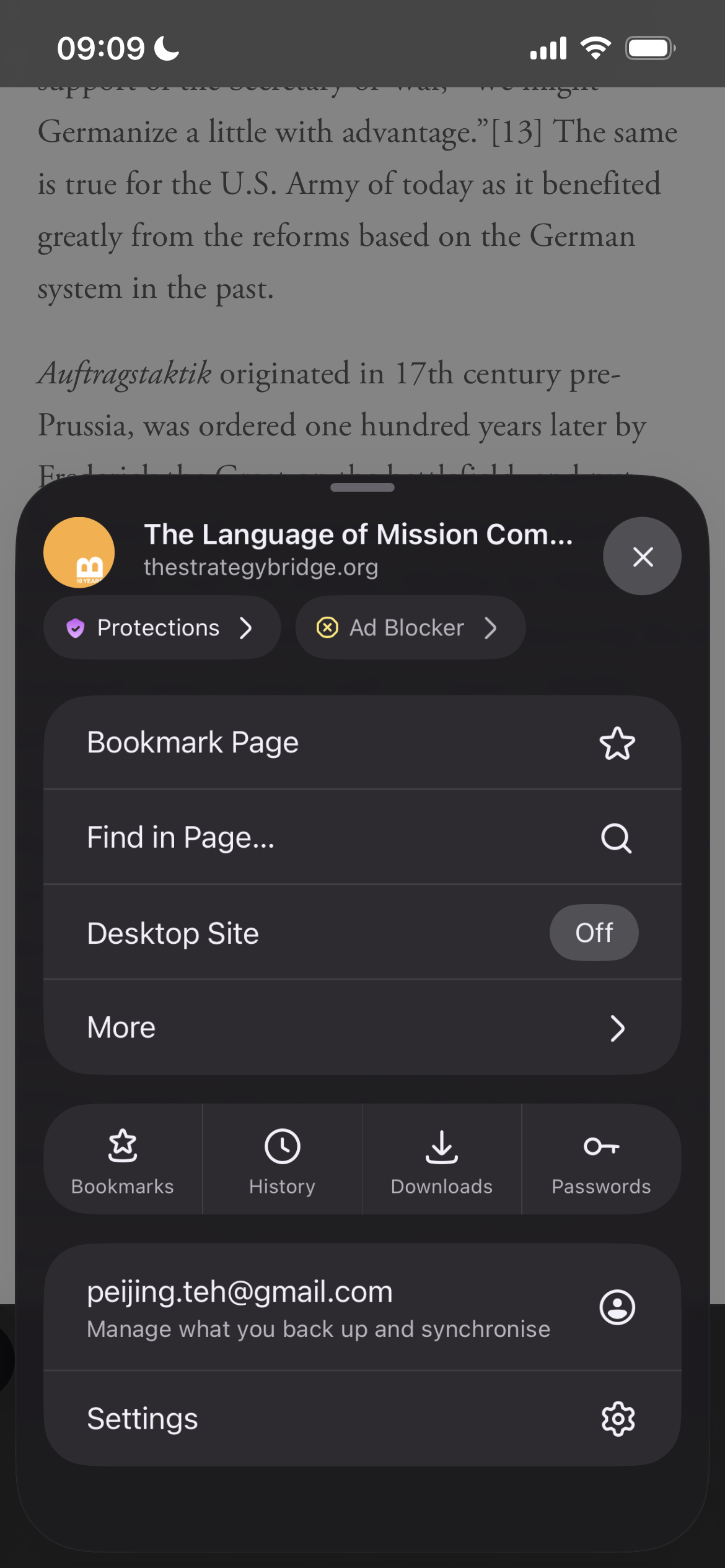
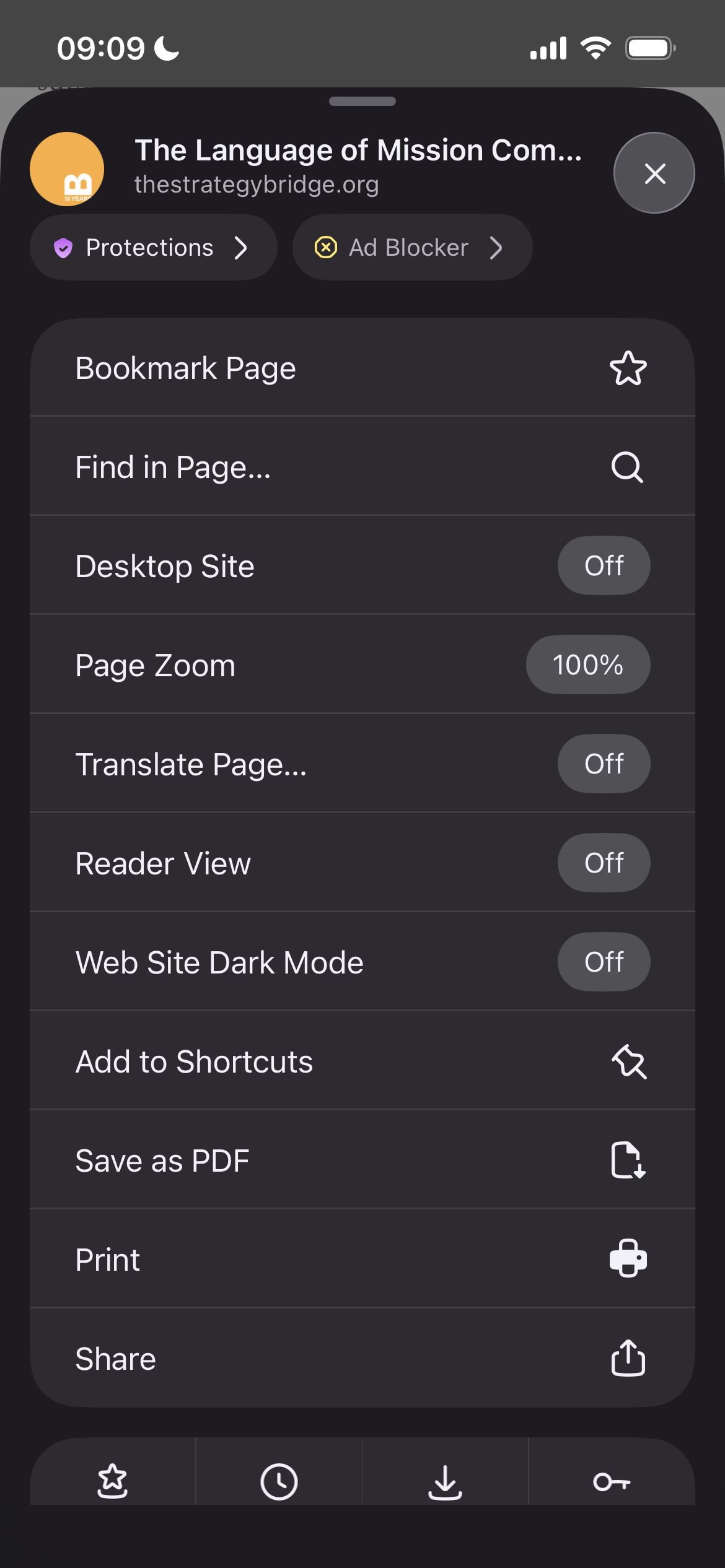
From there, I choose Article Saver:
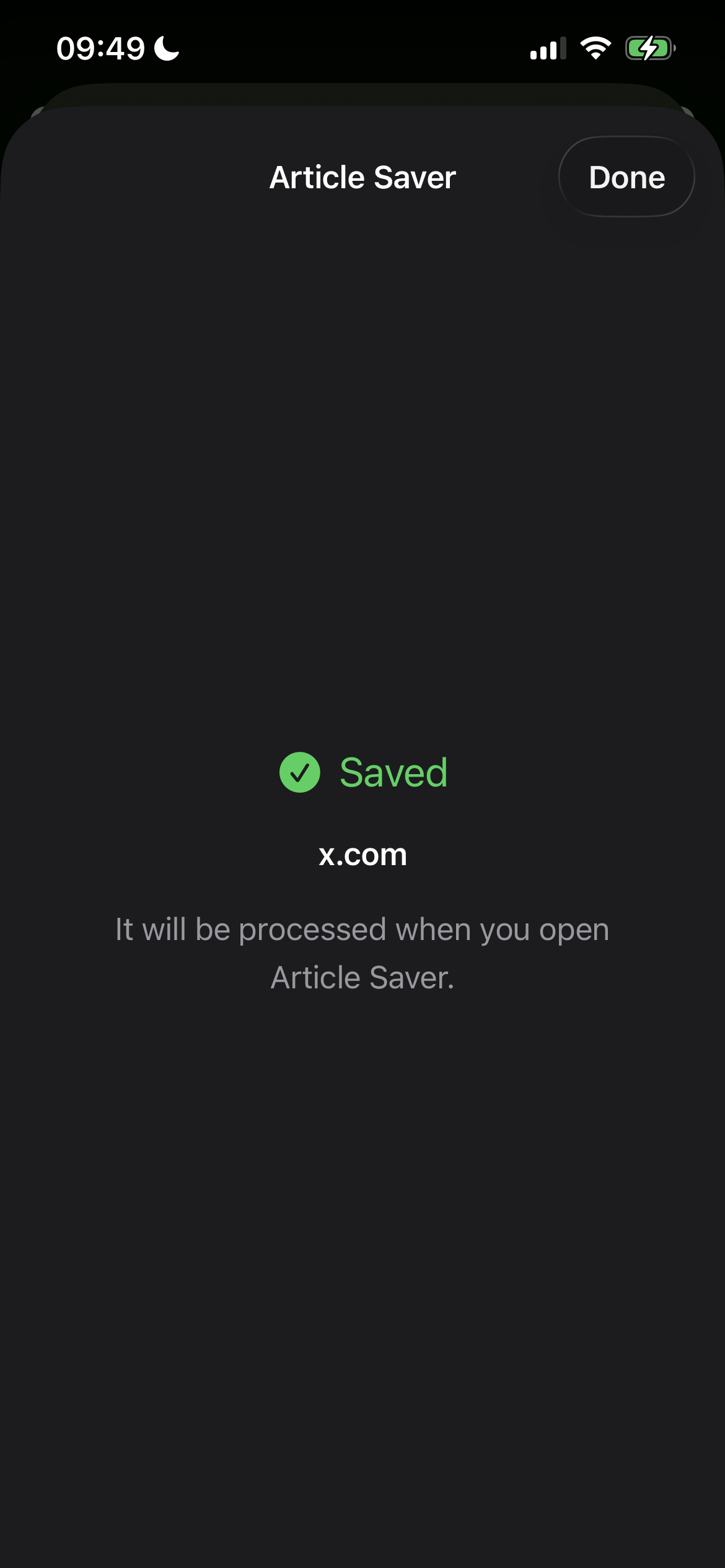
The article URL is then saved:
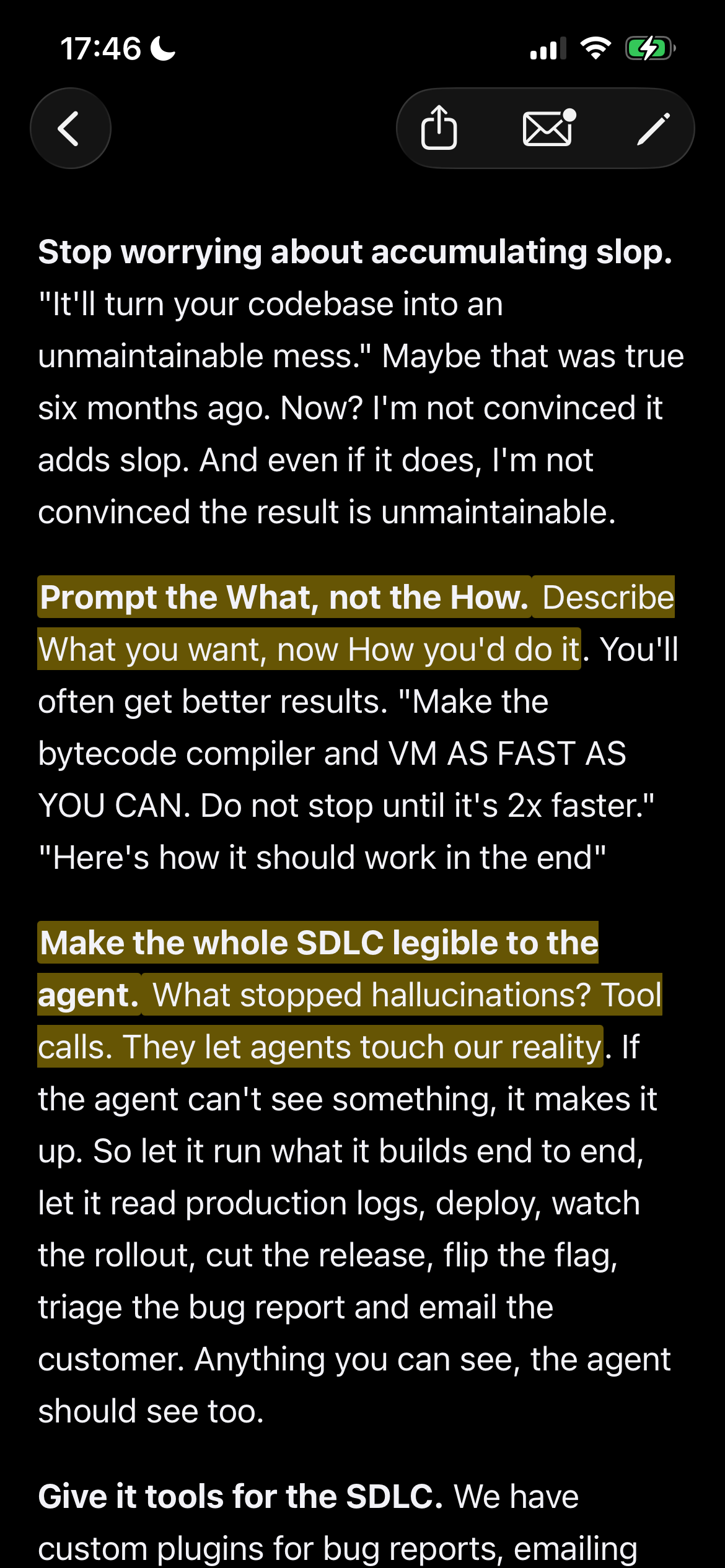
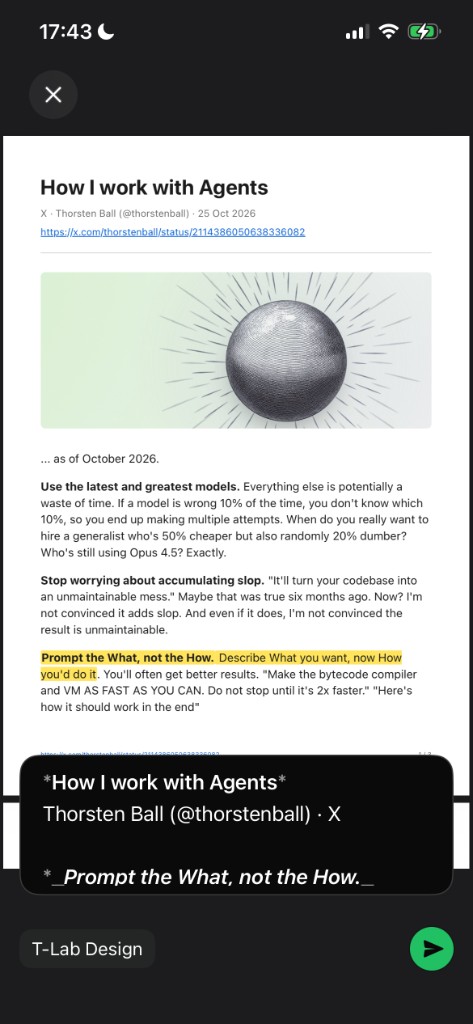
Article Saver only downloads and saves the article when you open Article Saver itself. You can also highlight specific passages, which go into the PDF and also the Whatsapp message body:
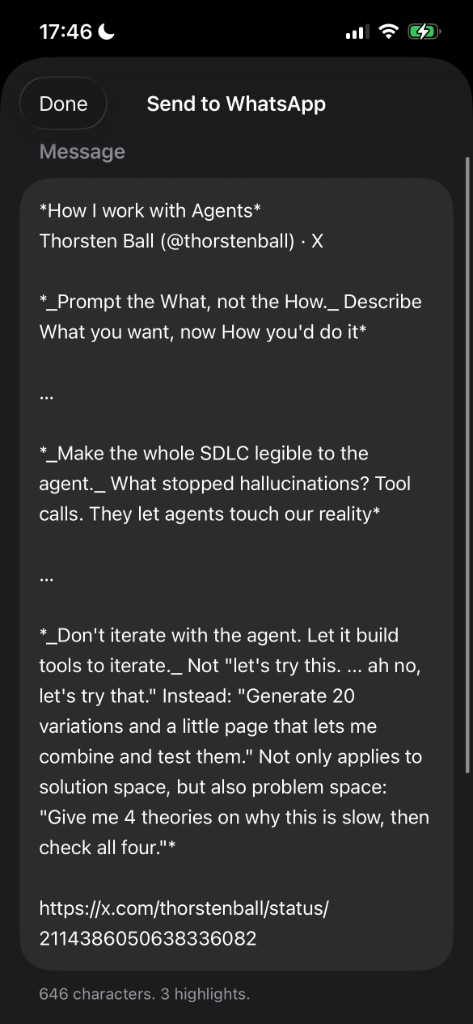
There is the send-option to send a message containing the article highlights via Whatsapp:
… or to send a saved PDF, which can be sent via email and/or Whatsapp:
According to Claude Code’s trawling of timestamps, Article Saver took about 4 hours of actual work: roughly 2 hours on the morning of 31 October and 1.5 hours that evening, plus some App Store prep. From the first commit to being ready for the App Store took about 27 hours, all within one weekend.
But for me, this app has been a HUGE win: what normally takes me tens-of-minutes is now done in SECONDS.
Why Boring Tiny Tools?
I think Vaughn says it best in his essay:
The goal is to find small problems to solve in the most direct way possible, not to sell a platform or justify a large development team. If you’re successful, your organisation will have a profusion of Boring Tiny Tools, not Big Fancy Software. Each BTT represents a small optimisation that is more likely to be used, less likely to break things, and therefore more probably transformational.
I should caveat that this is only possible now with AI driving down the cost of building.
People tend to forget that the most impactful things are often the daily “small” things that accumulate: the hygiene and sanitary movements have probably saved more lives than any other medical intervention in human history.
And BTTs are the digital equivalent of getting people to wash hands and brush their teeth daily.
So maybe the BTT approach is what will actually fulfil the potential and many promises of digital (and AI) transformation.